
Cascade for your server
An extra IP address to connect through if your server becomes unreachable from your region
A new address within minutes of payment
Your server and settings stay the same
Address and port in your account
Keep your server — just add an address
Until now, if your VPS became unreachable, the only option was a new IP address or a new server. Cascade leaves everything as is and changes only the address you connect to
Replacing the server
- A new server and a new IP address
- The VPN has to be set up again
- New keys for everyone who uses the server
Cascade
- Same server, data and users
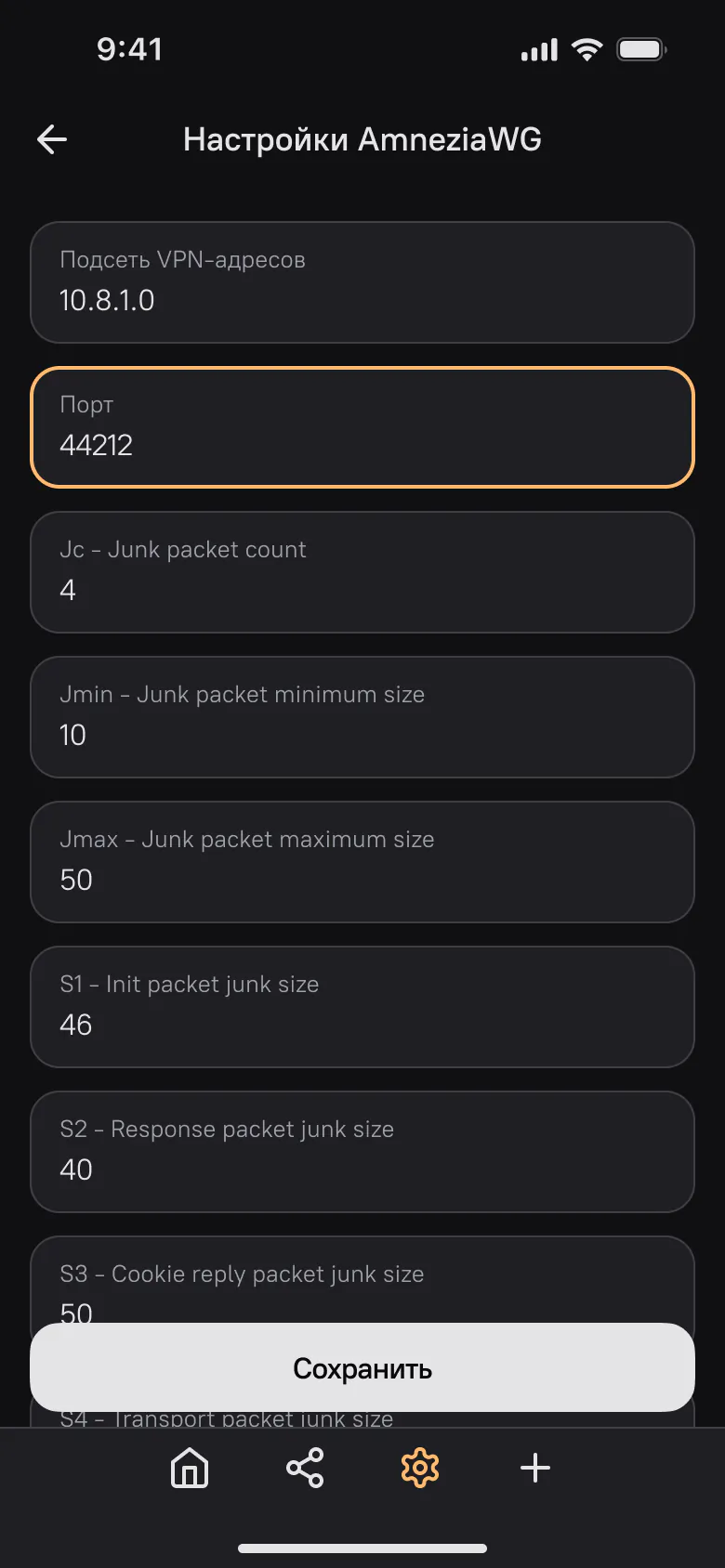
- Just update the address and port in the app
- Works within minutes of payment
Why Cascade

The server stays yours
All data, protocols and users stay on the server. No need to change connection keys
Access to your VPS
Separate VPN and SSH addresses from different subnets let you reach the server even if its IP address becomes unreachable
Ready in minutes
Addresses are issued automatically after payment. No need to contact support
We don’t share addresses
We don’t give Cascade addresses to services that compile server IP databases

When you need Cascade
It helps both before and after problems with the direct connection to your VPS. Don’t wait until the main IP becomes unreachable
In advance
Keep your server reachable
Add Cascade in advance. You’ll have another way to reach your VPS if the direct connection stops working
When access is lost
Restore the connection to your server
If your VPS’s main IP is unreachable from your network, try connecting through Cascade. You won’t have to change the server or the services installed on it
Two addresses so you don’t lose access
The VPN and SSH addresses come from different subnets
VPN address
For connecting to the VPN. AmneziaWG sends data over UDP for lower latency and higher speed
SSH address
For managing the server. The Amnezia VPN app uses it to install protocols, add users and share access
- Cascade only works with servers on Amnezia Cloud Hosting
- Only the AmneziaWG protocol is supported

How to connect
Takes about 10 minutes. You’ll need Amnezia VPN 5.1.1.10 or later and the server password from your account
Full guide with screenshots in the knowledge base
Pricing
$2 a month per server
- VPN address (UDP)
- SSH address (TCP)
- UDP and TCP port forwarding to your server
A new server with Cascade included
VPS price + $2 a month. VPS and Cascade in one order. From day one, your server is reachable at an address that isn’t tied to its own IP
FAQ
Your server and all its settings stay in place. No need to set up the VPN again or hand out new keys
No. Just update the address and port in the app
Not yet. Cascade only works with servers on Amnezia Cloud Hosting. We plan to add other providers later
Cascade only forwards encrypted packets between you and your server. Only you and your server have the encryption keys
Yes. One Cascade works with one server, but you can switch it to any of your other servers in the service card, at most once every 3 hours. The Cascade address stays the same